
Marketplace
Browse, install, and publish layouts and sound packs for tRadio, tELS, and tDetector.
The tLib marketplace lets you browse, install, and publish layouts and sound packs for tRadio, tELS, and tDetector — no file editing or server restart required.
Browsing and Installing
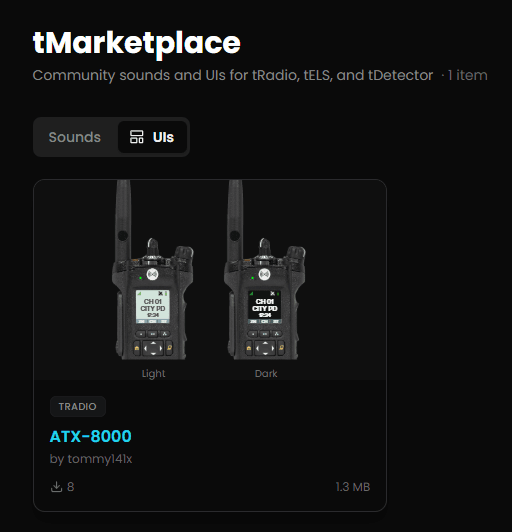
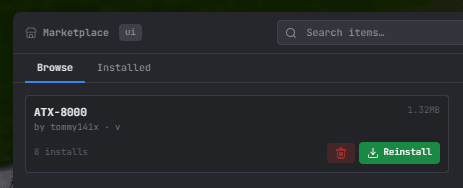
Access via the in-game panel for your script (/tradio, /tels, /tdet) → Marketplace, or through the tLib web panel. Two tabs:
- Browse — search and install available items. Installed items show a checkmark; click Uninstall to remove.
- Installed — lists every item currently on the server with a remove button for each.
UI Studio
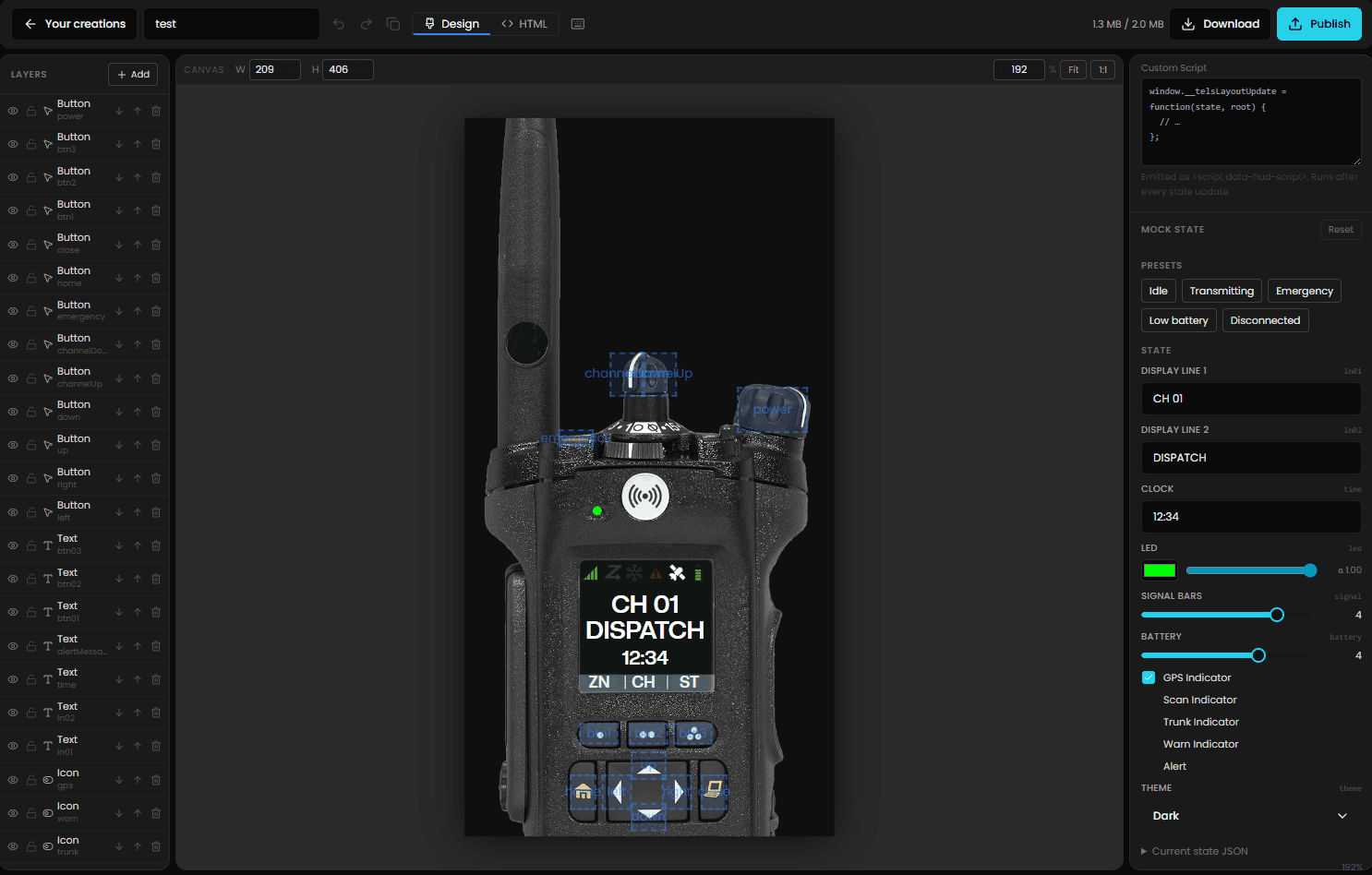
The UI Studio is the tool for building and publishing custom layouts for any tScript. Supported product types:
| Script | Canvas size |
|---|---|
| tRadio | 300 × 406 px |
| tDetector | 400 × 400 px |
| tELS | 400 × 120 px |
Access
Creator access is required to publish. You get it by purchasing any tScript, or by contacting staff for manual access.
Creating a layout
- Go to Your Creations.
- Click Create UI and select the product type.
- The UI Studio opens with a new draft.
Editor modes
- Design mode — visual canvas; drag to add/position/resize elements. Seven element types: background image, text, LED (boolean toggle), LED-color, icon toggle, icon set, button.
- HTML mode — raw code editor; full control over markup and CSS.
Undo/redo (50 states) works in both modes. Design-mode layouts embed the canvas as a <!-- studio-design:<base64> --> comment so the studio can round-trip between modes.
Drafts
Drafts are stored in browser localStorage. Clearing your browser's site data permanently deletes all unpublished work — there is no server-side draft storage.
Lint and bundle limits
Clicking Publish runs lint before uploading. These fail the build:
- Bare
<script>tags (without the appropriate per-script hook attribute) on*inline event handlers- Unknown
data-hud-*bindings not in the target script's binding manifest - Missing required bindings
- Assets referenced in HTML but not uploaded to the draft, and vice versa
Bundle limits enforced client-side before upload:
| Limit | |
|---|---|
| Compressed (zip) | 2 MB |
| Uncompressed total | 4 MB |
Forking an existing layout
On any published item's page, Fork downloads the bundle (does not count as a download), saves it to a new localStorage draft, and opens the studio. Publishing a fork creates a new item unless you own the original.
Updating a published item
From Your Creations, items with local edits show an "Edits pending" badge. Publish from the studio to push the update to the same item ID.